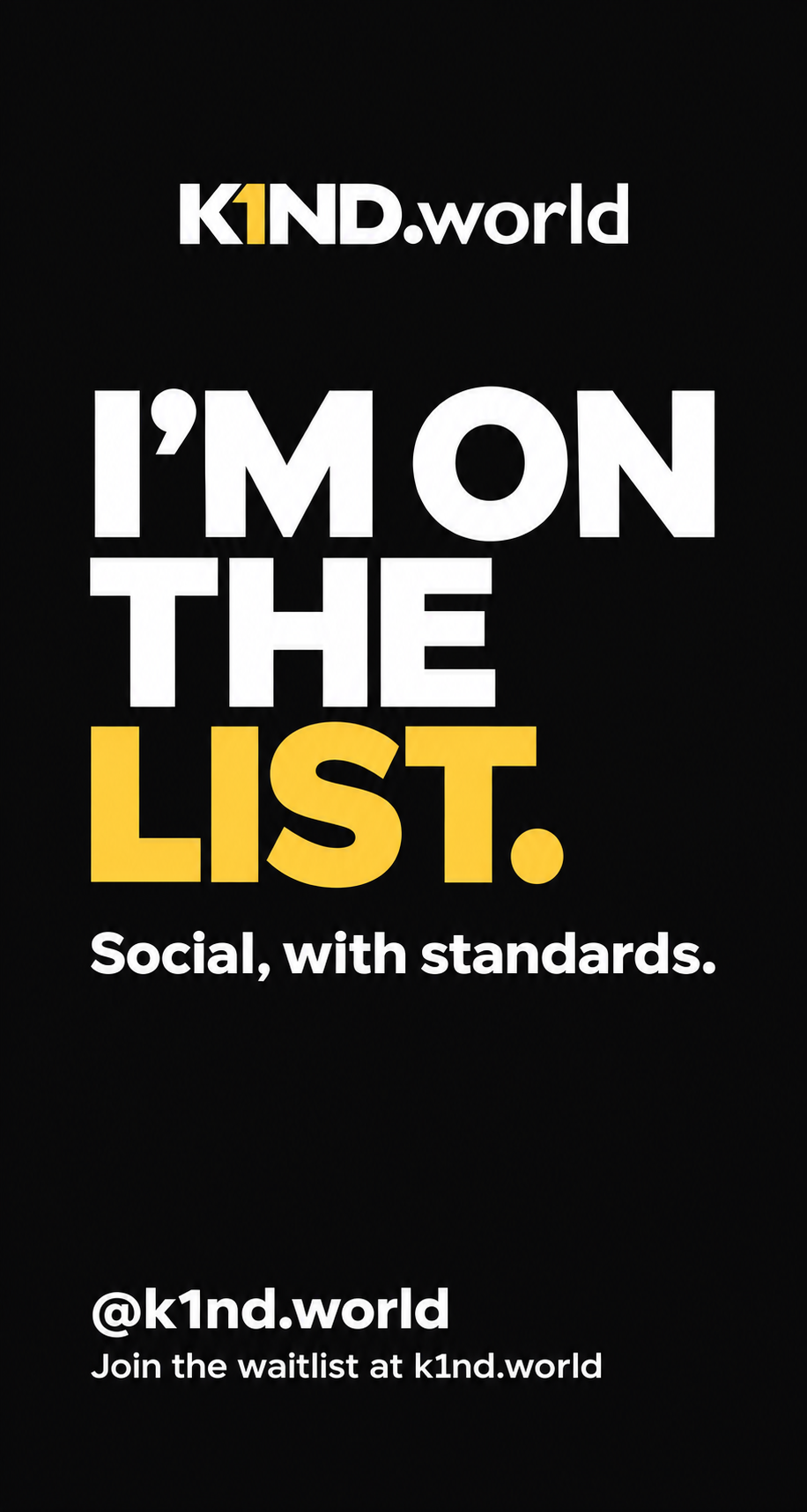
YOU’RE ON THE LIST
Let your people know.
A new home for fans and athletes is taking shape. Share your Story and tag @k1nd.world.
1. Get your Story image
Save the image, or use your phone’s share menu if it’s available.
If the image opens in a new tab, press and hold it to save it to your photos. In the share menu, choose Instagram if it appears.
2. Share it on Instagram
- Open Instagram and add the saved image to a new Story.
- Add the @k1nd.world Mention sticker and select the correct account. The handle printed on the image does not create a clickable mention.
- To send people to the waitlist, add a Link sticker with https://k1nd.world/.
- Choose your audience and publish when you’re ready.
This opens Instagram; it does not prefill or publish your Story. On a computer or tablet, you can save the image and move it to your phone.
Copy the wording
Prefer email? Invite a friend by email.